

Der Anwendungsfall: wie Excel London Jotform einsetzt
Excel London uses Jotform Enterprise's no-code form builder, conditional logic, automated workflows, PDF generation and integrations to centralize its data and processes. It automates multi-stage approvals and signatures, catering applications and reporting across departments.
In den Worten des Kunden
Instead of filling out a Word document, sending it for approval, receiving it back, putting it on DocuSign, dragging in 10 signature fields and waiting weeks for one person to respond, we can map out the entire process — including those requiring 11 stages of signatures — press a button, and it’s gone. The form comes back timestamped, and we get a nice, polished PDF at the end of the workflow delivered straight to our inbox. It’s ideal.Nutzer von Jotform in der Branche Reisen & Gastgewerbe
Unternehmen derselben Branche, mit öffentlichen Belegen.
Alle Kunden von Jotform ansehen



Direkt zur Quelle
Auf Basis der veröffentlichten Fallstudie von Jotform. Wir prüfen die öffentlichen Belege; die Ergebnisse gibt der Anbieter an.
jotform.com- Zuletzt geprüft
- 11. Okt. 2026
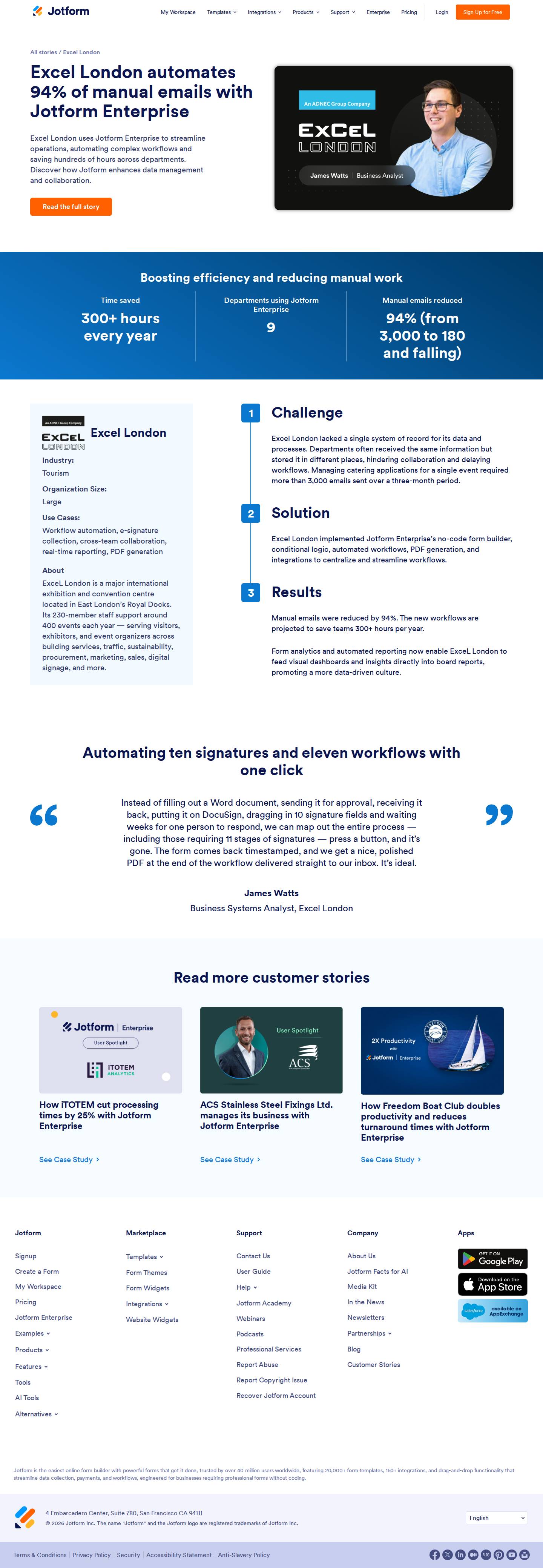 Screenshot der Quelle öffnen
 Was die Fallstudie behauptet und was wir geprüft haben
Was wir mit der Seite verglichen haben.
- Die Zahl: 94%Geprüft
Die Zahl steht auf der Seite; ihre Beschriftung ist unsere Formulierung.
- Die oben zitierte PassageGeprüft
Wörtlich von der Seite übernommen, nahe dem Namen Excel London.
- Excel London nutzt JotformGeprüft
Eintrag mit Stufe Bestätigt.
- Das Ergebnis selbstNicht geprüft
Wir zitieren es; wir haben es nicht gemessen.
Excel London lacked a single system of record for its data and processes. Departments often received the same information but stored it in different places, hindering collaboration and delaying workflows. Managing catering applications for a single event required more than 3,000 emails sent over a three-month period.