
Chrome DevTools MCP: Native Browser Access at a High Token Cost
The Chrome DevTools MCP server provides a standardised bridge for Claude 4.5 and GPT-5 to interface directly with the Chrome DevTools Protocol. It allows AI agents to inspect network traffic, analyse

The Pitch
The Chrome DevTools MCP server provides a standardised bridge for Claude 4.5 and GPT-5 to interface directly with the Chrome DevTools Protocol. It allows AI agents to inspect network traffic, analyse performance traces, and interact with DOM elements natively (Source: chrome.com blog).
Under the Hood
The project reached version v0.20.0 in March 2026, introducing a standalone CLI for non-MCP environments (Source: GitHub Releases). This update simplifies integration for developers requiring deep browser introspection without being fully committed to the Model Context Protocol ecosystem.
A key technical advantage is the 'autoConnect' feature. This allows agents to hook into existing Chrome profiles, maintaining state and authentication without the typical "cold start" overhead of headless instances (Source: GitHub).
Efficiency remains the primary concern. While this implementation is 78% more efficient than the original Playwright MCP implementations, it remains a heavyweight solution compared to 2026 alternatives (Source: UsedBy Dossier).
Benchmarks show a 10-step debugging operation consumes approximately 50,000 tokens. In contrast, specialised 'Agent Browser' models perform the same task with roughly 7,000 tokens by reducing abstraction overhead (Source: Bruce on AI Engineering).
We do not know the long-term support strategy for this project, as Google maintains its 'Experimental' status. Furthermore, no public benchmarks exist comparing this MCP layer to Gemini 2.5's native browser integration (Source: UsedBy Dossier).
The tool is strictly Chromium-based. If your stack requires Safari or Firefox compatibility, the heavy reliance on the Chrome DevTools Protocol (CDP) creates immediate vendor lock-in (Source: UsedBy Dossier).
Marcus's Take
The Chrome DevTools MCP is a sophisticated debugger but a mediocre automation tool. It is excellent for local, deep-dive troubleshooting where you need Claude 4.5 to explain a specific performance bottleneck or a failing network request.
For production-scale agents, the context tax is simply too high to justify. Fifty thousand tokens for a handful of steps is an expensive way to realise you have a CSS selector conflict. Use it for local IDE debugging, but skip it for any autonomous agent fleet.
Ship clean code,
Marcus.
Marcus Webb - Senior Backend Analyst at UsedBy.ai
Related Articles
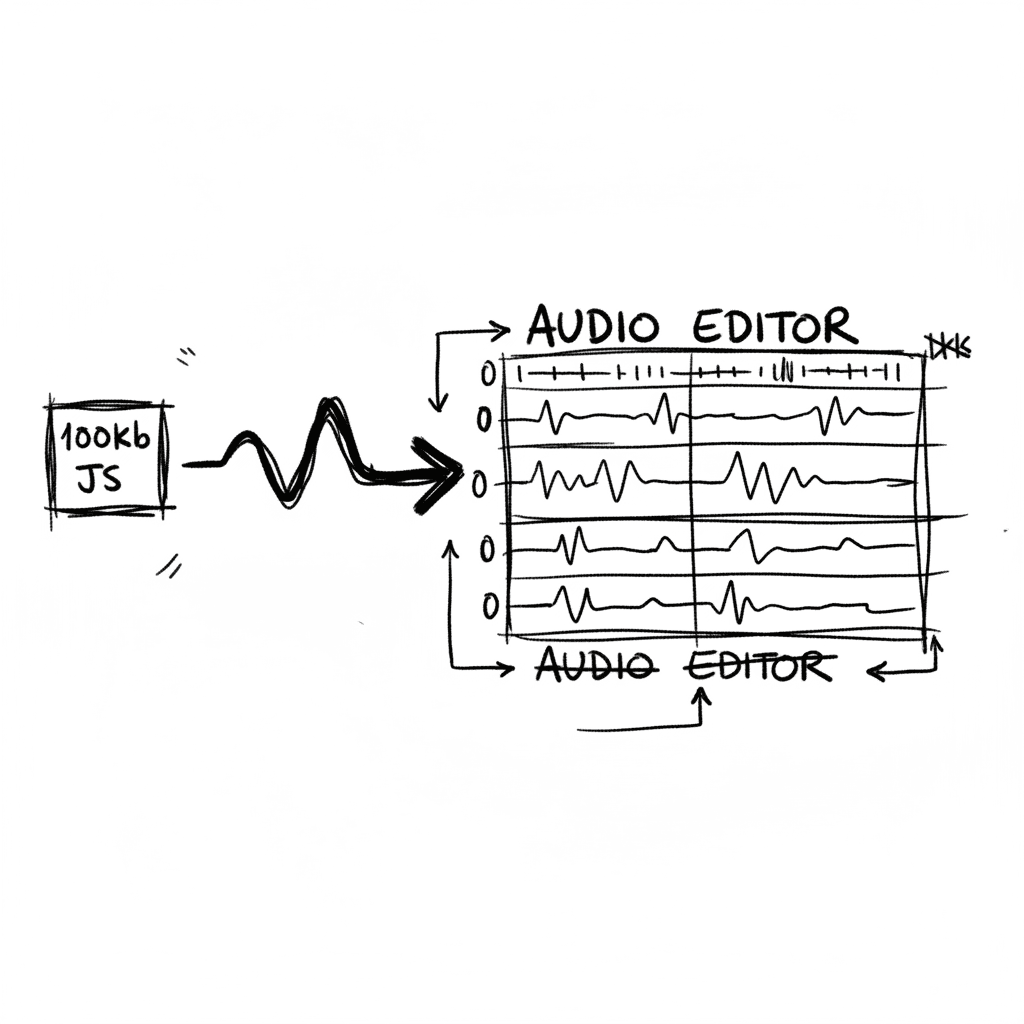
Audiomass: Multitrack Audio Editing via 100kb of Vanilla JavaScript
Audiomass is a browser-based, multitrack audio editor that operates entirely client-side with a remarkably small 100kb footprint (audiomass.co). It provides a workflow reminiscent of classic editors l
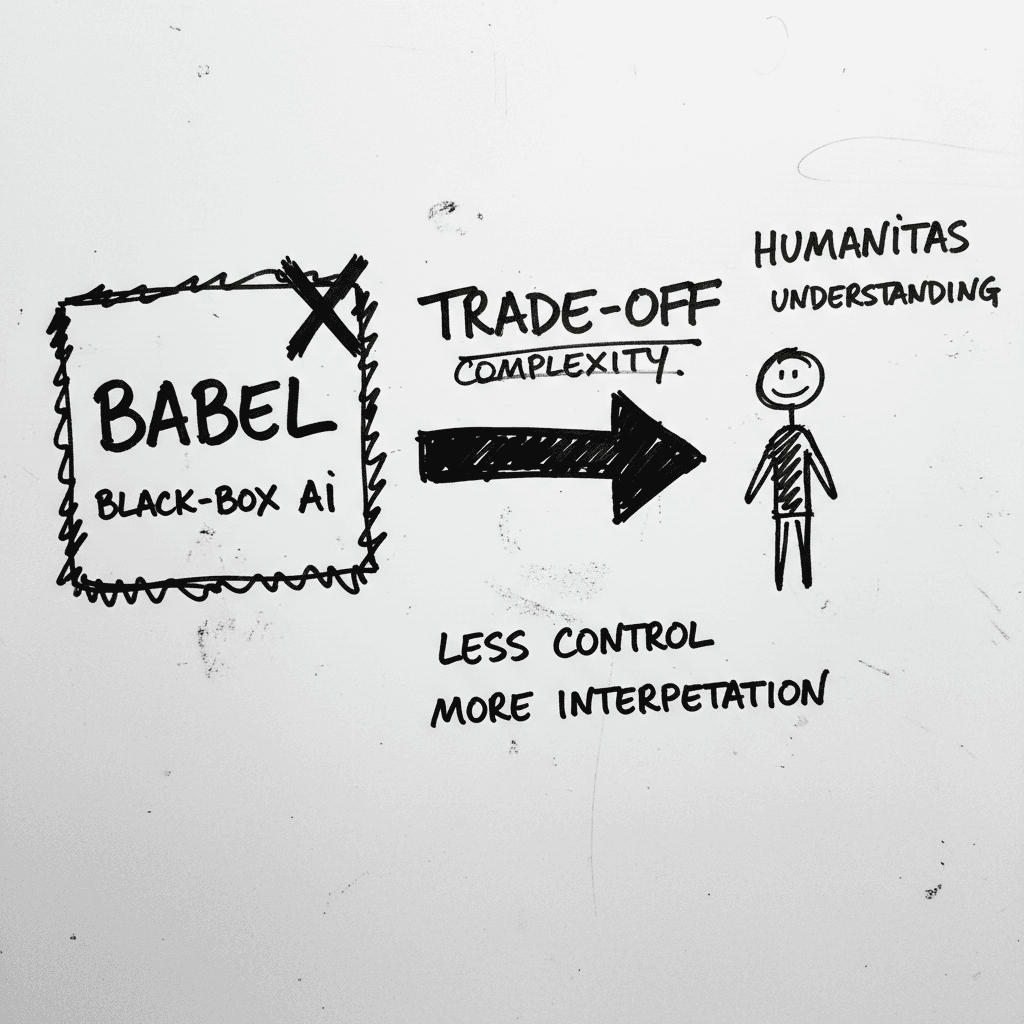
Magnifica Humanitas: The Vatican’s Framework for the GPT-5 Era
The document, signed May 15 and officially released today, was presented at the Vatican alongside Christopher Olah, co-founder of Anthropic and lead of its interpretability team (ncronline.org, Forbes
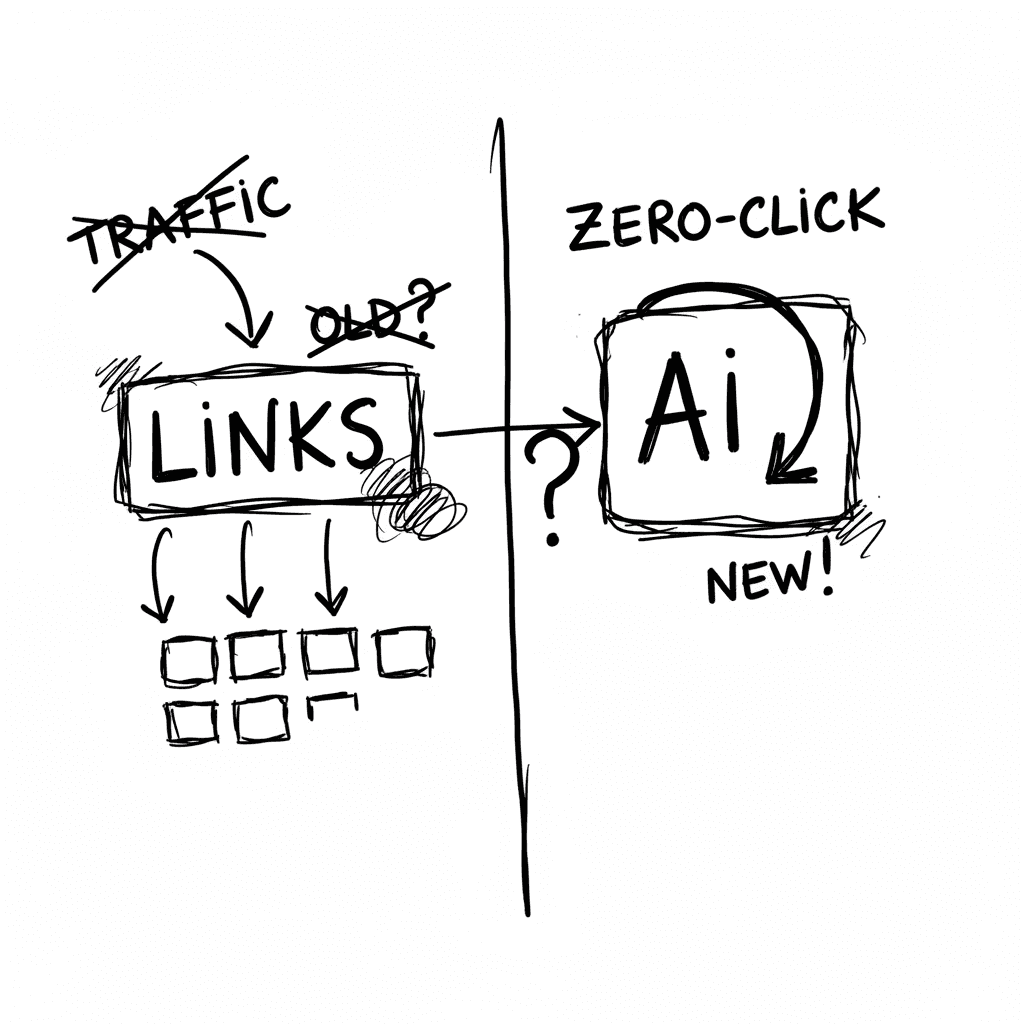
The Zero-Click Economy: Kagi Search vs. Google AI Mode
Google has effectively pivoted to an "answer engine" where Gemini 3.5 Flash provides conversational summaries, while Kagi remains the primary refuge for users seeking a human-centric, ad-free index. W
Stay Ahead of AI Adoption Trends
Get our latest reports and insights delivered to your inbox. No spam, just data.