Can Superhuman Mail find the emails that need action, then help you reply and follow up?
What Superhuman documents for Mail: split inbox, auto drafts, reminders, Gmail and Outlook support, plus the plan and privacy points to check before a trial.
The short answer, and which Superhuman product this covers
Superhuman describes Mail as an email client for Gmail and Outlook, with a split inbox, AI-written replies, reminders, read statuses and keyboard-first navigation. For a person who handles heavy email, those are the features that map to the daily job: spot what needs action, answer it, and chase what has gone quiet. The conditions sit in the plan and privacy details below.
The brand now spans several products. Go is an assistant that works across apps and tabs, Docs is a collaborative workspace, Grammarly handles writing suggestions, and Mail is the email app. The plans page is organised around Go, so some rows apply to the whole suite rather than to Mail alone. The Zoom case study, for example, is about Grammarly: the vendor reports an estimated 7,000 hours saved on written communication over nine months. That is not an email-triage result.
Sources: superhuman.com · Superhuman (usedby.ai) · Zoom (superhuman.com)
Step one: triage and priorities
The homepage presents the split inbox as a way to surface the most important messages and filter out distractions automatically. It also describes an Email Assistant that clears out noise and drafts replies. Keyboard-first navigation is listed among the core features. Note the wording: the pages talk about importance and distraction, not an explicit label for messages that require a reply.
Editorial suggestion, not a vendor claim: during a trial, run a real week of mail through it and check whether the messages you actually had to act on landed in the right place. Your own inbox is a better test than any demo.
Sources: superhuman.com · Superhuman (usedby.ai)
Step two: search and context
For context, the homepage says Auto Drafts are built from your inbox, your calendar and the web. It also mentions share-availability links that stay current, which cuts the back-and-forth of scheduling. Daily Briefs, which pull deadlines, commitments and meetings into one view, are described under Go rather than Mail, so do not count them as a Mail feature.
The pages reviewed do not explain how search works in Mail, so that is a question for the demo. If you search old threads constantly, ask to see it on a large mailbox.
Sources: superhuman.com · Superhuman (usedby.ai)
Step three: drafting and follow-up
Mail's Auto Drafts write replies from context. The plans page says Email Assistant, available from the Pro plan, drafts replies, clears inbox clutter and follows up for you. Separately, the Go promotion on that page says Go sorts your inbox and auto-drafts responses in your voice and with your context; that sentence describes Go, not Mail or the Email Assistant. Reminders and read statuses are listed in the product overview for tracking follow-ups. The vendor also claims teams can save four or more hours a week on email and scheduling; the homepage does not define who was measured.
Superhuman's customer story index carries headlines such as UserGems closing deals 25% faster, Rilla reps working 100+ deals a month and Hebbia raising sales capacity by 10%, all with Mail. These are vendor-published headlines with different metrics and populations. Read them as illustrations of sales and operations use, not as a comparison.
Sources: superhuman.com · Go (superhuman.com) · Superhuman (usedby.ai)
Step four: compatibility and privacy
Mail works with Gmail and Outlook. The plans page lists connectors by tier: Pro connects personal apps such as Gmail, Calendar, Outlook and Slack; Business adds tools like Jira, Linear, Asana, Confluence and Zendesk; Enterprise adds Salesforce, HubSpot, Workday and ServiceNow. That table belongs to the Go plans, so confirm which connectors Mail itself uses.
On model training, the plans page says Free, Pro and Business users can opt out, while Enterprise has it off by default. Because this sits on the Go plans page, ask whether it applies to Mail in the same way. For Enterprise, the page lists bring-your-own-key for Grammarly and Mail only, and HIPAA for Grammarly, Docs and Go only, so Mail is not named in that row. SOC 2 Type 2, SAML SSO and audit logs also appear as rows; confirm their plan and product scope with the vendor.
Sources: superhuman.com · Superhuman (usedby.ai) · Go (superhuman.com)
Plans and what to ask before a trial
Listed prices are Free at $0, Pro at $12 per member per month billed annually ($15 monthly), Business at $33 annually ($40 monthly), and Enterprise on contact. A free trial or free plan is available. The Free card describes inline suggestions, chat with your tabs and shareable docs. Pro adds Email Assistant. The Business and Enterprise cards list Mail among their products, and the comparison table labels it a suite add-on for Enterprise.
Questions worth asking, as editorial advice: which plan includes the Mail app itself, whether the training opt-out covers Mail, and what the usage limits are. The page shows usage tracking as coming soon and usage credits as a limited trial, so limits are worth clarifying.
Sources: Go (superhuman.com) · Superhuman (usedby.ai)
Method and limits
2026-10-15
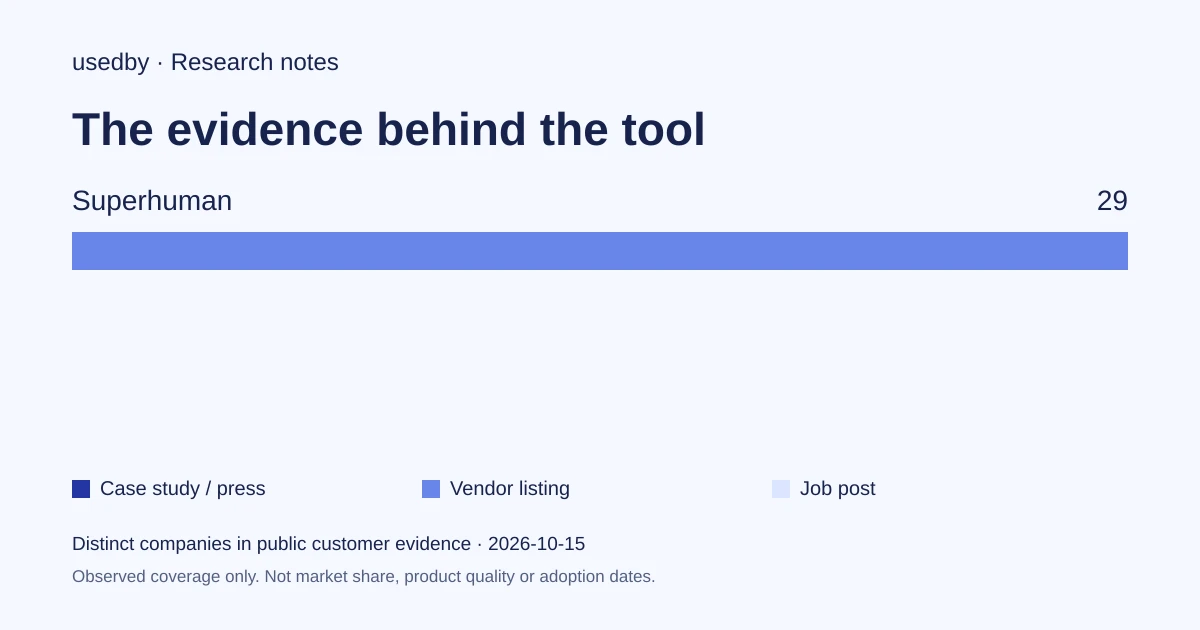
This dated snapshot counts distinct companies in public customer evidence. CONFIRMED means a case study, named testimonial or press source; OBSERVED means a vendor listing; SIGNAL means a job post. All three count, but their strength differs. Removed and unlevelled lines are excluded. Examples are a capped selection verified within 90 days. Vendor facts are sourced records checked within 60 days. Coverage is uneven and missing evidence is unknown. These figures measure neither market share nor product performance; capture dates are not adoption dates.
Sources
- superhuman.comsuperhuman.com
- Zoom (superhuman.com)superhuman.com
- Go (superhuman.com)superhuman.com
Questions
Does Superhuman Mail flag emails that need a reply?
Superhuman describes a split inbox that surfaces important messages and filters distractions, plus an Email Assistant that clears noise. The pages describe importance filtering, not an explicit needs-reply label, so test it on your own mail.
Is Mail the same as Superhuman Go?
No. Go is an assistant that works across apps and tabs, while Mail is the email client. They share a brand and a plans page, so check which features belong to which product.
How much does it cost?
The plans page lists Free at $0, Pro at $12 per member per month billed annually, Business at $33 billed annually, and Enterprise through sales. Monthly billing costs $15 and $40 respectively for Pro and Business.
Is my email used to train models?
The plans page says users on Free, Pro and Business can opt out of model training, and that it is off by default on Enterprise. Confirm with Superhuman that this applies to Mail.
Tools in this article

Explore the data
Who uses which AI tool, and how each line was found.