

The use case: how Excel London deploys Jotform
Excel London uses Jotform Enterprise's no-code form builder, conditional logic, automated workflows, PDF generation and integrations to centralize its data and processes. It automates multi-stage approvals and signatures, catering applications and reporting across departments.
In the customer’s words
Instead of filling out a Word document, sending it for approval, receiving it back, putting it on DocuSign, dragging in 10 signature fields and waiting weeks for one person to respond, we can map out the entire process — including those requiring 11 stages of signatures — press a button, and it’s gone. The form comes back timestamped, and we get a nice, polished PDF at the end of the workflow delivered straight to our inbox. It’s ideal.Jotform users in Travel & Hospitality
Companies in the same sector, with public evidence.
See all Jotform customers



Go straight to the source
Based on Jotform’s published case study. We check the public evidence; the results are reported by the vendor.
jotform.com- Last checked
- Oct 11, 2026
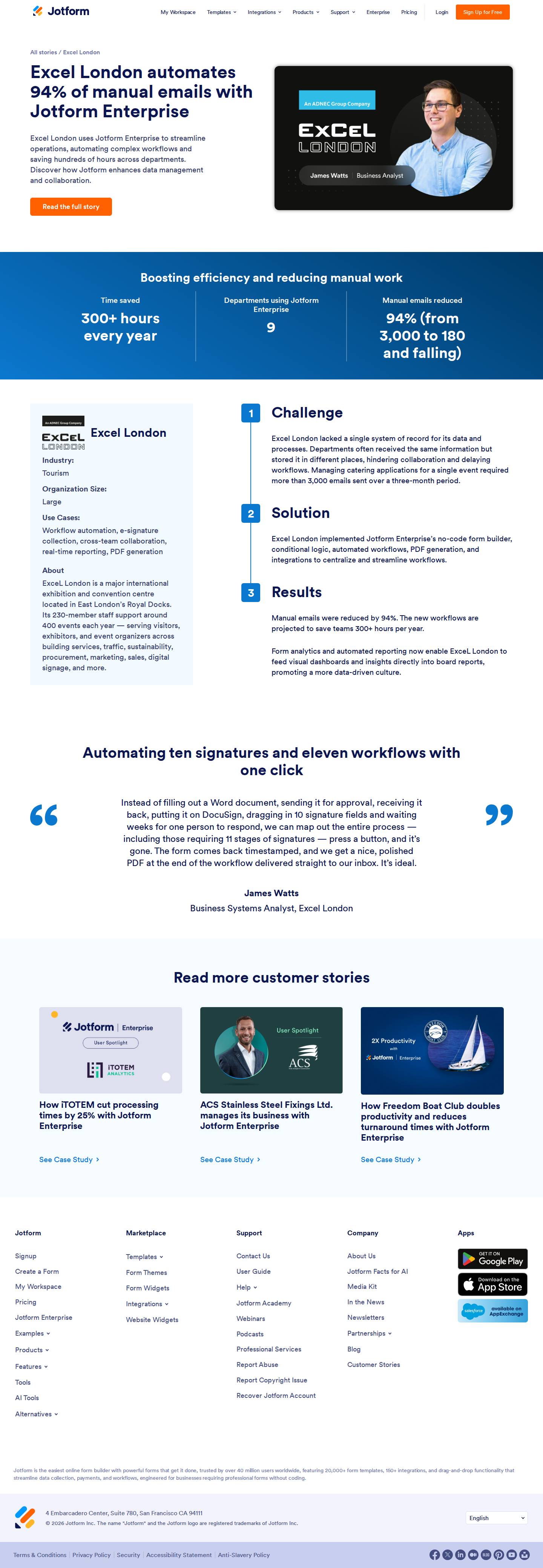 Open source capture
What the story claims, and what we checked
What we compared with the page.
- The figure: 94%Checked
The figure is on the page; its label is our wording.
- The passage quoted aboveChecked
Copied word for word from the page, near the name of Excel London.
- Excel London uses JotformChecked
Confirmed line.
- The result itselfNot checked
We quote it; we did not measure it.
Excel London lacked a single system of record for its data and processes. Departments often received the same information but stored it in different places, hindering collaboration and delaying workflows. Managing catering applications for a single event required more than 3,000 emails sent over a three-month period.